Mac – About My Computer
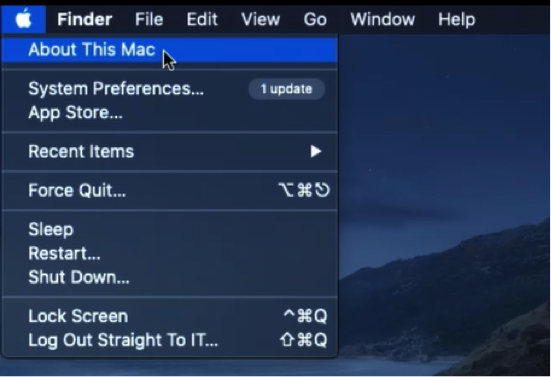
Navigate the curser to the “Apple” icon, click “ About This Mac”
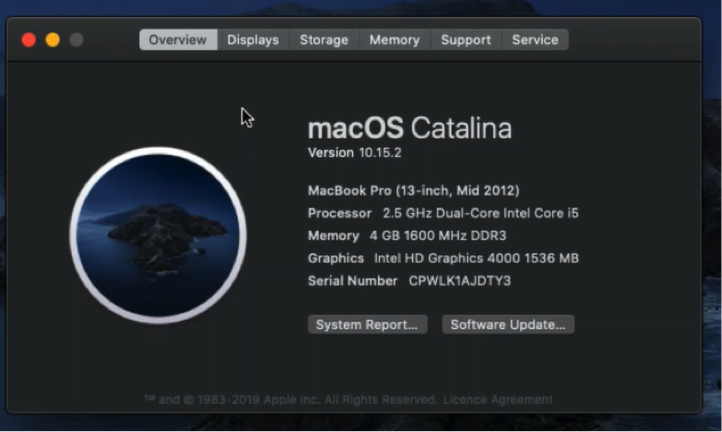
Overview tab Information
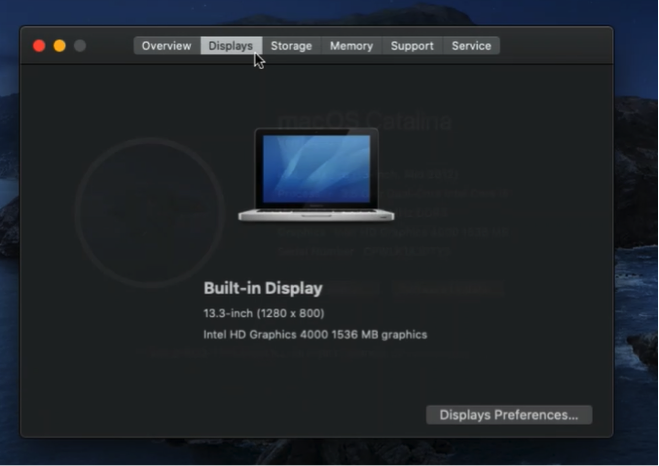
Single Display
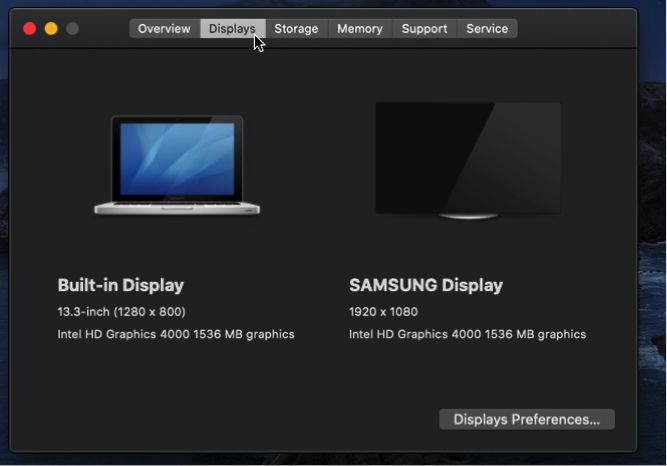
Straight To IT example, If using more than one monitor (Screen)
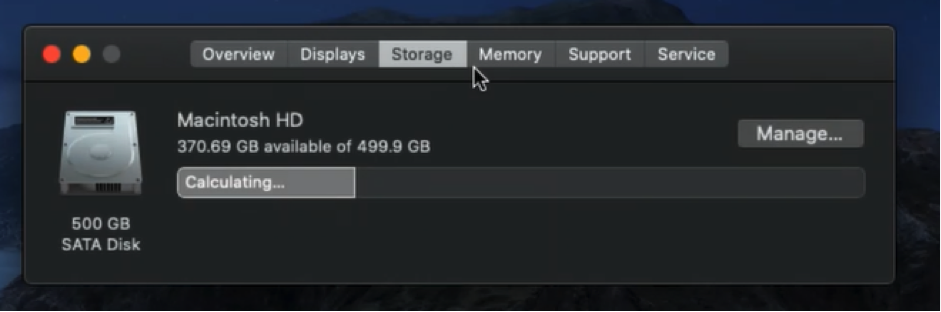
Storage Tab Information
Manage the used and available storage on the hard disk.
Straight To IT example, Total Storage: 500 GB
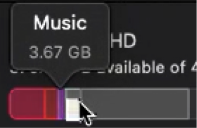
Used: [Music] 3.67 GB,
Available: 370.65 GB
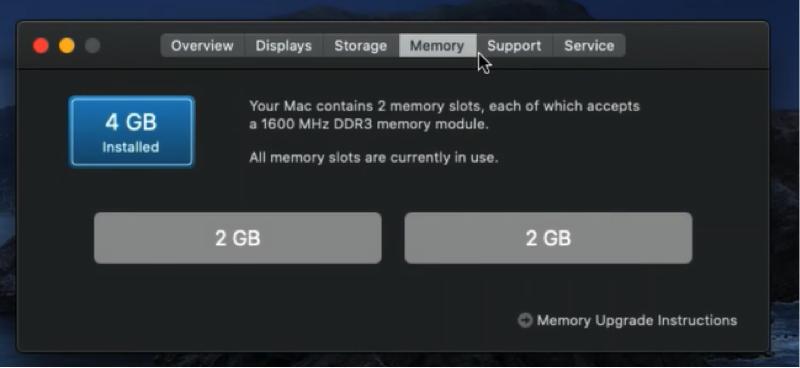
Memory Tab Information
Check the amount of memory installed
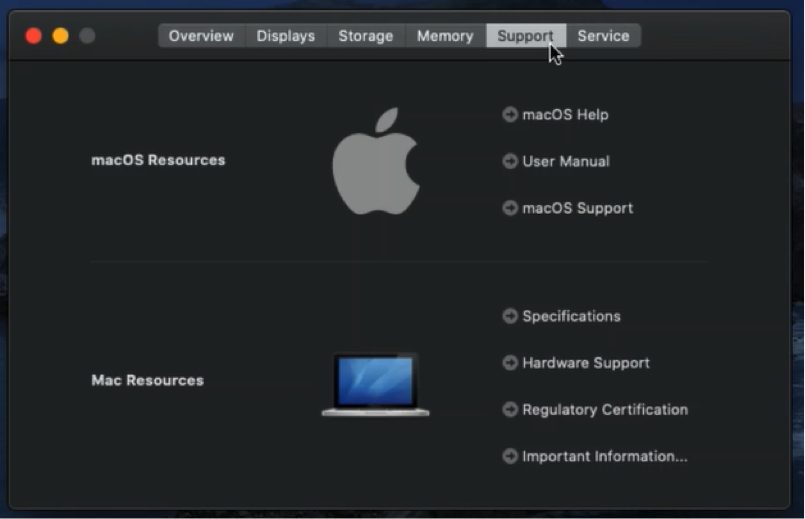
Support Tab Information
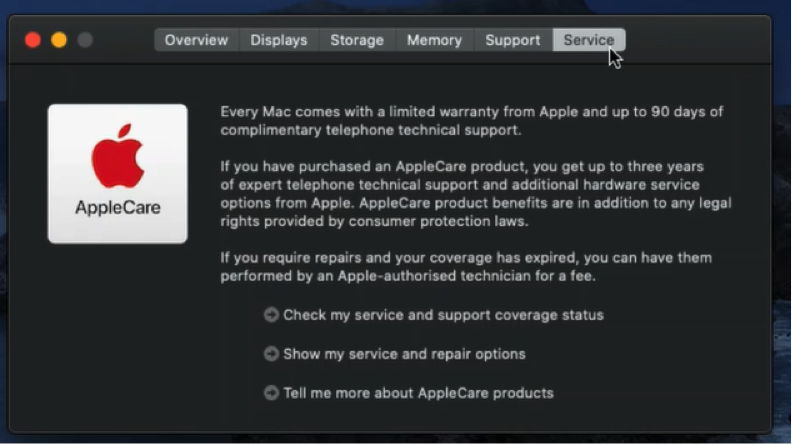
Service Tab Information
Navigate the curser to the “Apple” icon, click “ About This Mac”
Overview tab Information
Single Display
Straight To IT example, If using more than one monitor (Screen)
Storage Tab Information
Manage the used and available storage on the hard disk.
Straight To IT example, Total Storage: 500 GB
Used: [Music] 3.67 GB,
Available: 370.65 GB
Memory Tab Information
Check the amount of memory installed
Support Tab Information
Service Tab Information