Windows 10 – Check for Windows Updates
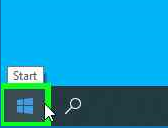
Using the mouse, left click “Start” Windows the icon
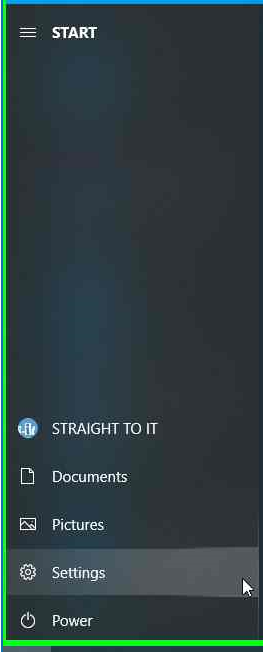
Using the mouse, select “Settings”
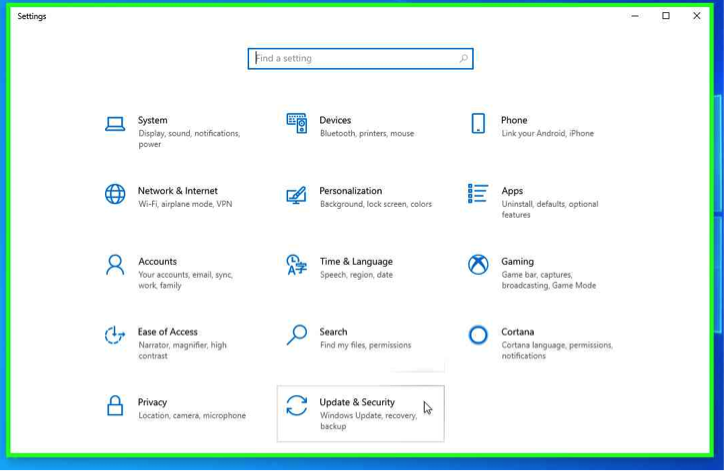
Using the Mouse, select “Update & Security”
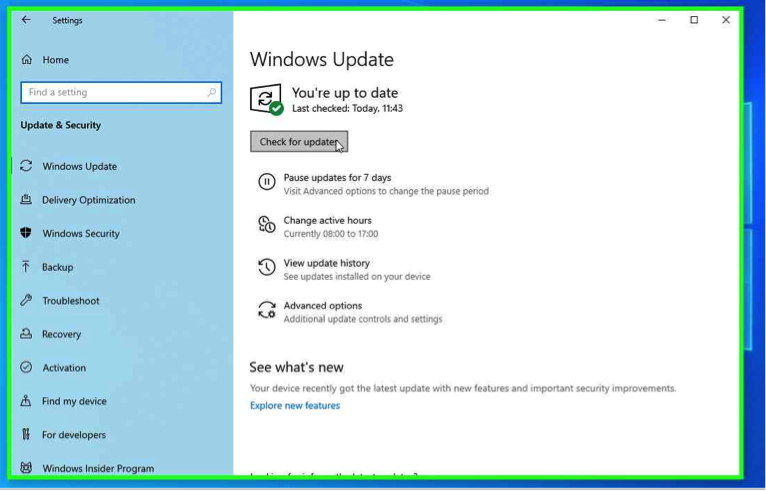
Using the mouse, click “Check for updates”
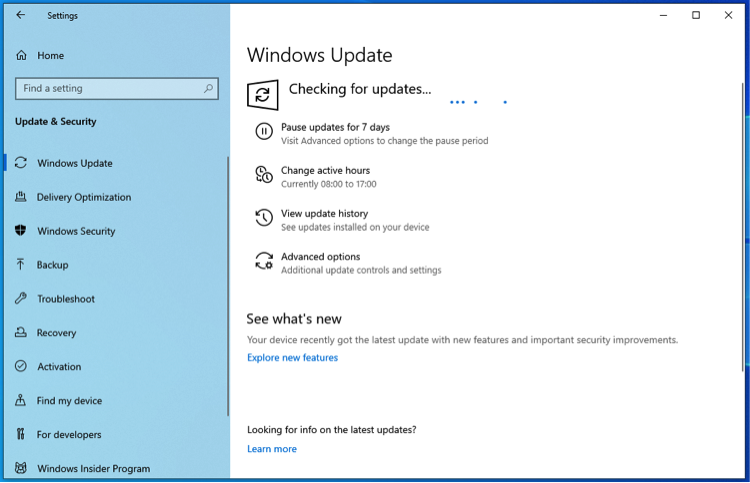
System will check for updates
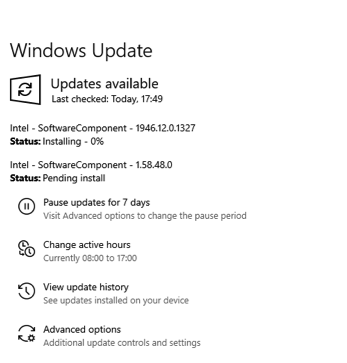
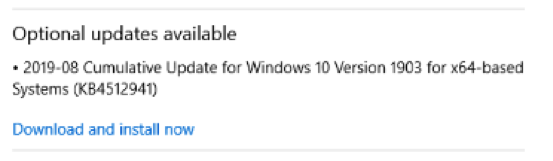
Require updates will be picked up, you may be required to restart your device and repeat the to process “Check for Updates” several times to fully complete the “Microsoft Windows” updates.
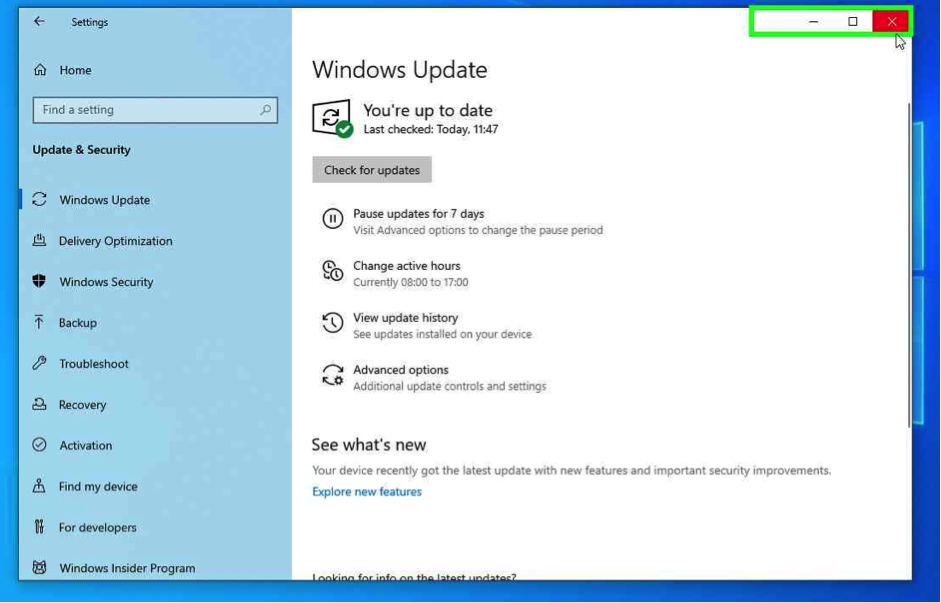
Once “You’re up to date” click exit.
Using the mouse, left click “Start” Windows the icon
Using the mouse, select “Settings”
Using the Mouse, select “Update & Security”
Using the mouse, click “Check for updates”
System will check for updates
Require updates will be picked up, you may be required to restart your device and repeat the to process “Check for Updates” several times to fully complete the “Microsoft Windows” updates.
Once “You’re up to date” click exit.