Windows 10 – About My Device

Step By Step Guide
Video Tutorial
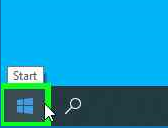
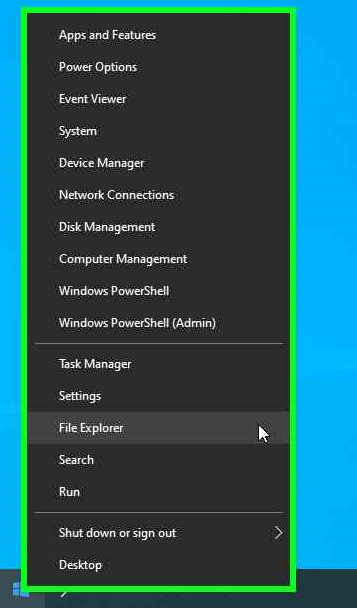
Using the mouse, left click “Start” windows the Icon

Using the mouse, select “File Explorer”

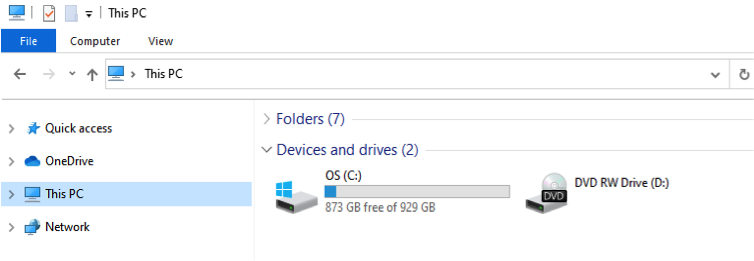
Using the mouse, left click “This PC” icon

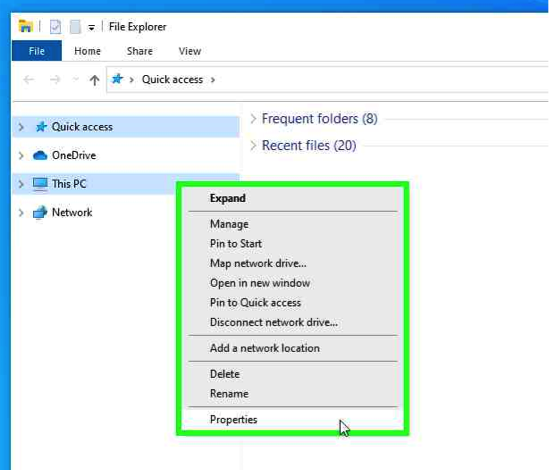
Using the mouse, right click select “Properties”

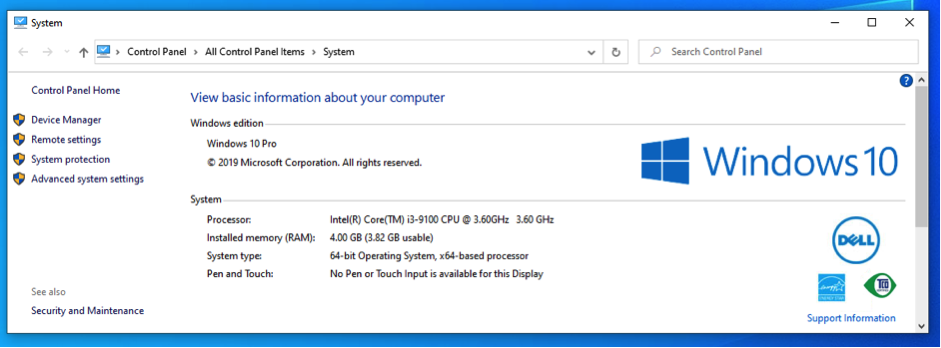
Straight To IT Tip, You can also View:

      • Computer name
      • Domain
      • Workgroup settings
      • Windows Activation

Using the mouse, left click “Start” windows the Icon

Using the mouse, select “File Explorer”

Using the mouse, left click “This PC” icon

Using the mouse, right click select “Properties”

Straight To IT Tip, You can also View:

      • Computer name
      • Domain
      • Workgroup settings
      • Windows Activation